


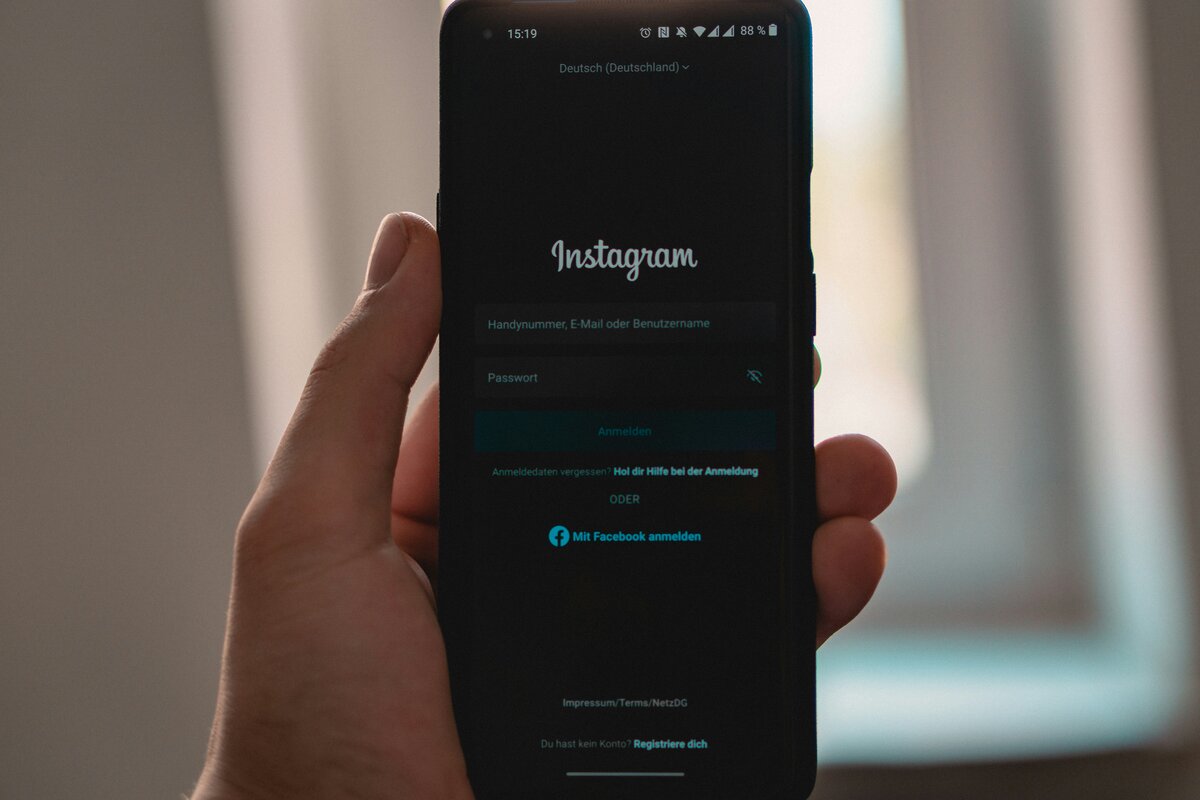
Losing access to your Instagram account can be stressful. You might have forgotten your password or think your account was hacked. There are ways to get back into your account. This guide will show you how to regain control of your profile.
Recovering an Instagram account takes patience and careful steps. We’ll look at official Instagram methods and advanced solutions for tough cases. By following these steps, you’ll have a better chance of getting your account back.
In this article, we’ll talk about common security problems and how to avoid them. We’ll also share tips for keeping your account safe after you’ve recovered it. We aim to help you through the recovery process and make your Instagram account more secure.
Understanding Instagram Account Security Issues
Instagram security is very important for users all over the world. Digital threats are getting more common. It’s key to know the risks and keep your account safe.
Common Causes of Account Loss
There are many reasons why you might lose access to your Instagram account. Forgotten passwords, phishing, and hackear instagram are common problems. If you use weak passwords on many sites, your account can get hacked.
Signs of Compromised Account Security
It’s important to know when your account might be in trouble. Look out for strange activity, posts you didn’t make, or changes in who follows you. If you see login attempts from places you don’t know, act fast to protect your account.
Preventive Security Measures
There are steps you can take to make your Instagram account safer. Here are some important ones:
- Use a unique, complex password
- Enable two-factor authentication
- Regularly update your app and device
- Be cautious of suspicious links and messages
- Monitor your account activity frequently
By knowing about these security issues and taking steps to prevent them, you can make your Instagram account safer. This way, you can enjoy using social media without worry.
Official Methods to Recover an Instagram Account
Instagram has tools to help you get back into your account. These tools check who you are and keep your account safe.
Using Instagram’s Built-in Recovery Tools
Go to the login page to find the recovery tools. If you can’t log in, tap “Get help logging in.” Then, follow the steps to prove who you are with your email, phone number, or username.
Verification Process Through Email
Using email to verify your account is common. Type in your email linked to your Instagram. You’ll get a code to confirm you’re who you say you are. This keeps your account safe from others.
Phone Number Recovery Options
If your account is linked to a phone number, you can use it to recover. Instagram will text you a code. Just enter that code to show you’re you and get back in.
Two-Factor Authentication Recovery
Two-factor authentication adds more security. If it’s turned on, you’ll need another way to prove you’re you. This could be a code from an app. It makes your account even safer.
These official ways to recover your account are safe and sure. They make sure your Instagram account is secure.
Advanced Recovery Solutions for Complex Cases
When standard ways don’t work, Instagram users face tough problems. These need special help and talking directly to Instagram support. Let’s look at how to solve hard recovery problems.
Reaching Out to Instagram Support
Instagram support is a big help for users with big problems. Go to the Help Center and choose “Report a Problem.” Tell them your problem well, with all the details you have. Be patient, as it might take a while to get a reply.
Verifying Your Identity
It’s very important to prove who you are in hard cases. Instagram might ask for:
- A clear photo of your government-issued ID
- A selfie with a handwritten code they give you
- Proof you own the account (like the email or phone number you used)
Make sure all your documents are clear and match your account info.
Tackling Hacked Accounts
If you think someone has hacked your Instagram, act fast. Ask Instagram for a login link or security code. If that doesn’t work, tell them your account is hacked. Don’t fall for scams that promise to fix your Instagram, as they can make things worse.
Remember, keep trying and follow Instagram’s rules to fix hard account problems.
Post-Recovery Security Enhancement
After getting your Instagram account back, it’s key to make it more secure. First, change your password to something strong. Use letters, numbers, and symbols. Don’t pick something easy to guess, like your birthday.
Turn on two-factor authentication for more safety. This means you need a code from your phone besides your password when logging in from a new place.
- Check and remove any apps you don’t trust
- Change your email and phone number on the account
- Get alerts when someone logs in from a new place
Keep an eye on your account for any strange changes or posts. If you see something odd, tell Instagram’s support right away. These steps will help protect your account from future dangers.
Be careful of fake emails and links that ask for your password. Never give out your login info. And be careful when using public Wi-Fi to get on Instagram. By being careful, you can keep your Instagram safe and fun.
Conclusion
Keeping your Instagram account safe is very important today. This guide showed you how to get back into your account if you lose access. You learned about using Instagram’s tools and getting help from their support team.
It’s also important to prevent problems. Change your password often and use two-factor authentication. Watch out for anything strange happening on your account.
If you have trouble getting back into your account, don’t worry. Just follow the steps in this guide. For harder problems, contact Instagram’s support team. They will help you, but you might need to prove who you are.
By following these steps and staying safe, you can have a better time on Instagram. Keep your account safe and enjoy sharing your memories with friends.
